
Skip to content

Use case

AI for Real Estate Staging, Light & Walkthroughs

Furnish an empty room from one photo, brighten a gloomy interior, turn a daytime exterior into a dusk shot and animate listing photos into short walkthrough clips. The jobs a listing needs, in one studio.

Start on the free Starter plan. Every model page lists its price per run.
AI for Real Estate - FunAI
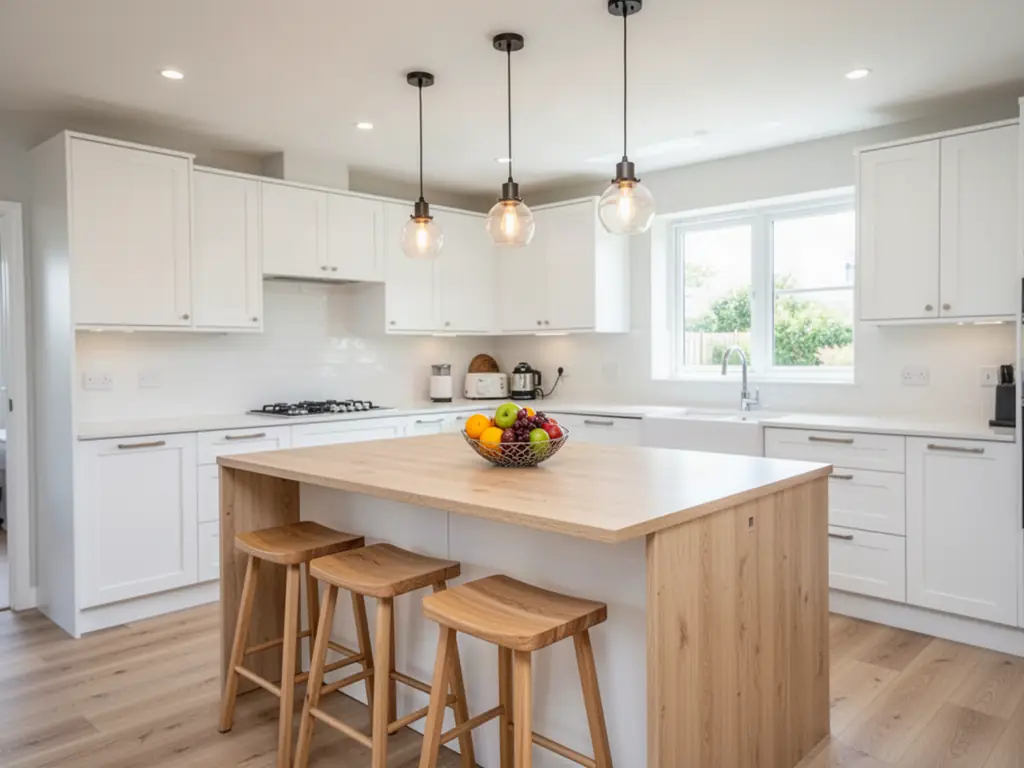
A staged kitchen with a wooden island, an AI listing photo made on FunAI

From Empty Room to Listing Video

Stage the rooms that need it, fix light and weather, then animate the strongest photos into a walkthrough. Every step starts from the property's real photos.

Open Apartment Staging

Virtual staging

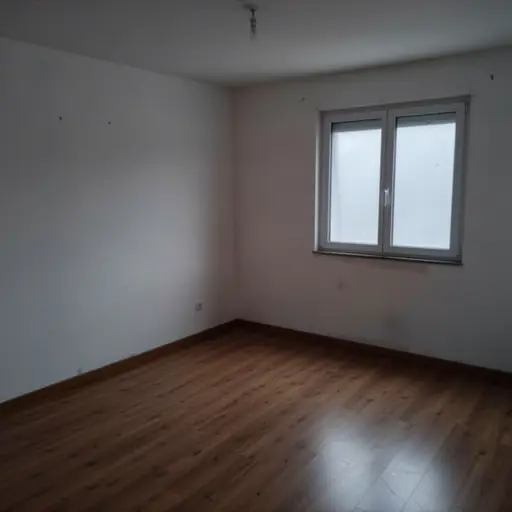
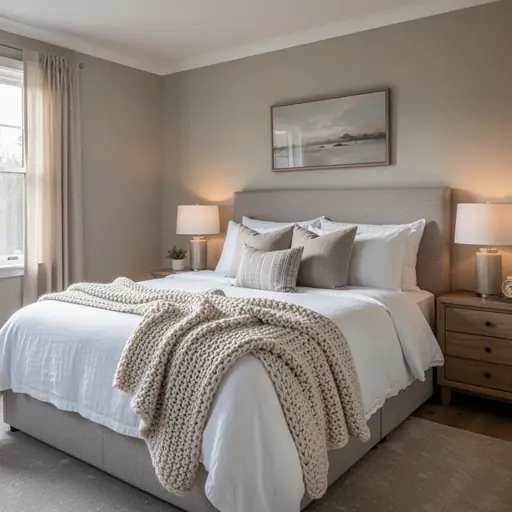
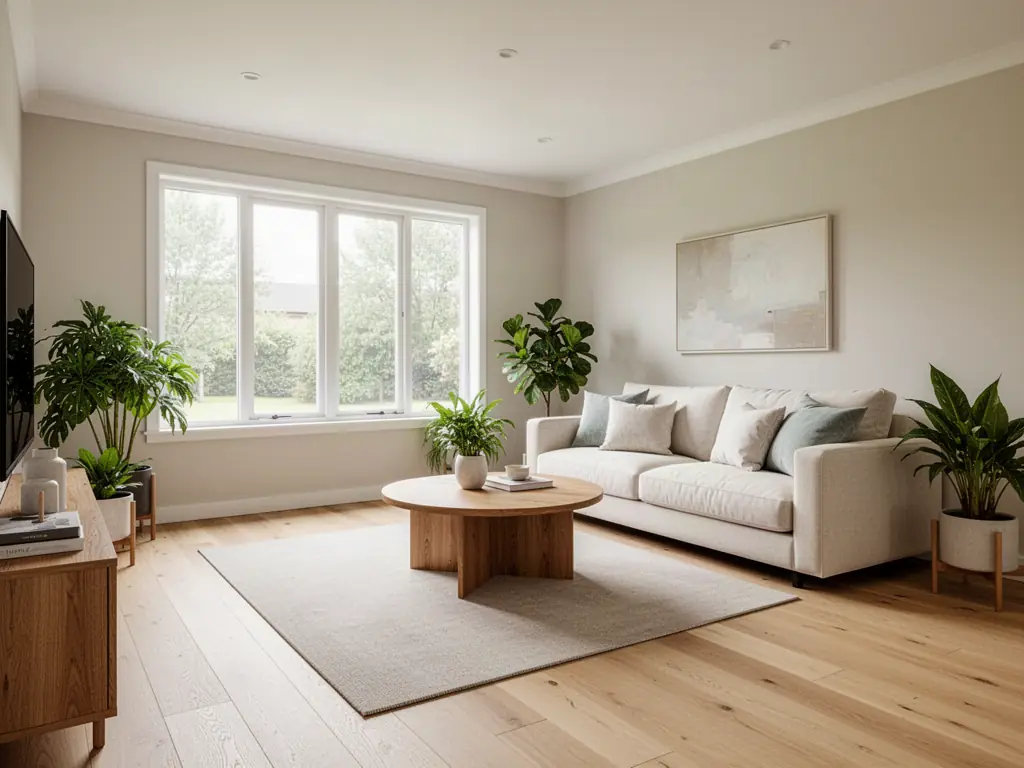
Furnish an empty living room, bedroom or office from one photo and a short prompt, and try a different style by changing the prompt.

Light, sky and clutter

Relight dark interiors, give an exterior a dusk look with Time of Day, and remove bins, cables or a parked car with Object Removal.

Walkthrough clips

Animate each room with a slow camera move, then join the clips in the video editor and add music for a listing video.

Tools for real estate

One staging model and five Tools that cover the rest of a listing shoot.

  • •
    Flux 2 Apartment Staging:Virtually furnishes an empty room from a photo and a prompt. Its other modes include multiple angles and add background.
  • •
    AI Relight:Changes or fixes the lighting in a photo, for rooms shot on a dull day or against a bright window.
  • •
    Time of Day:Changes the time of day, lighting and sky in a photo, for a dusk exterior without a second shoot.
  • •
    Object Removal:Removes unwanted objects such as bins, cables, personal items or a car on the drive.
  • •
    Perspective Change:Changes the camera perspective of a photo when the original angle undersells the room.
  • •
    Image-to-Video:Animates one listing photo with a prompt, the building block of a walkthrough clip.
Browse all Tools
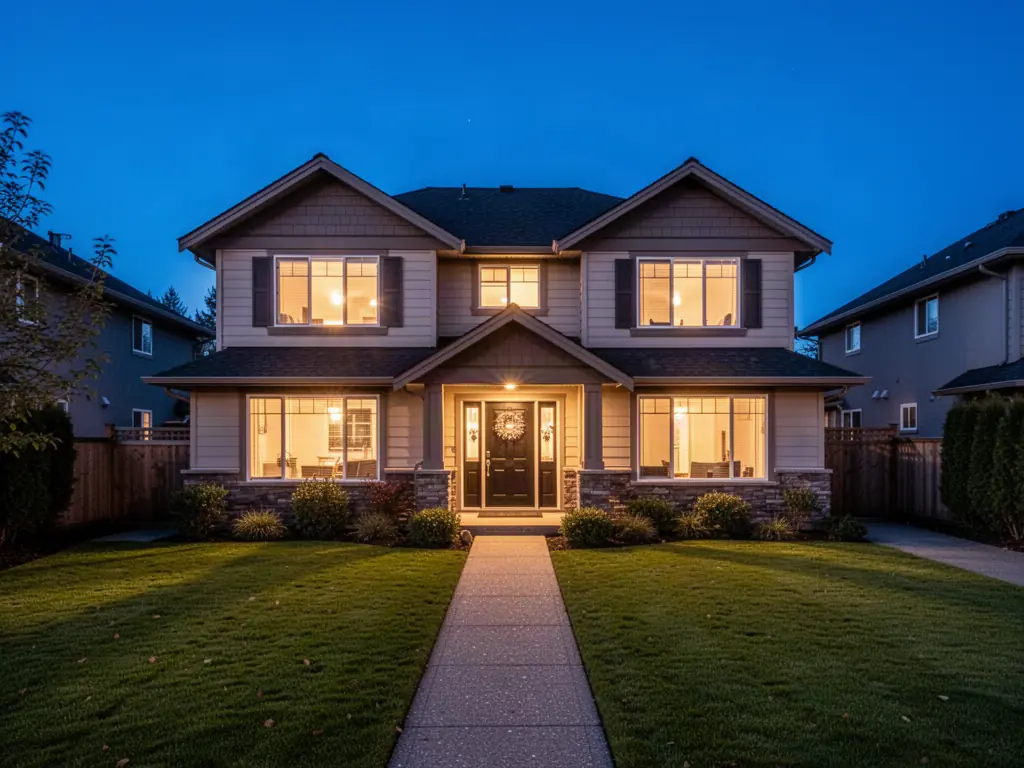
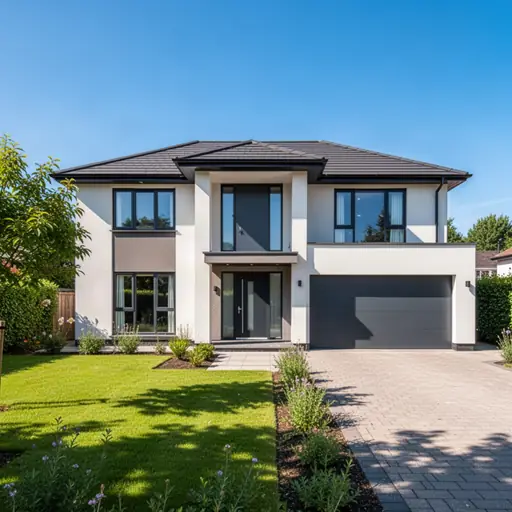
A family house at dusk with lit windows, an AI twilight photo made on FunAI

AI for Real Estate explained

Buyers scroll past empty, dim rooms. Physical staging and reshoots cost time and money that a single listing rarely justifies, and many properties are photographed once, on whatever day the weather allowed. AI editing lets an agent or listing photographer improve the photos they already have instead of starting again.

The centrepiece is Flux 2 Apartment Staging from Black Forest Labs: add a photo of an empty room and a short prompt such as 'furnish this room', and it returns the room furnished. Around it, AI Relight and AI Relighting fix flat or uneven light, Time of Day changes the lighting and sky to give an exterior a dusk look, Object Removal takes out bins, cables and clutter, and Perspective Change or Image Expander helps a cramped frame feel less tight.

Photos then become motion. The Image-to-Video Tool animates a still with a slow camera move, and the FunAI video editor joins clips room by room into a walkthrough you can post with the listing. One rule matters more than any tool: label virtually staged or altered images as such, never hide defects, and follow the disclosure rules of your market and listing platform.

Why agents and listing photographers use AI

  • Stage an empty room without renting furniture
  • Rescue interiors shot on a grey day or against bright windows
  • A dusk exterior without returning to the property at sunset
  • Clutter and distractions removed in a few clicks
  • Walkthrough clips made from photos you already have

A listing workflow in FunAI

Feature visual preview 1
Feature visual preview 2
Feature visual preview 3
Feature visual preview 4
01

Pick the photos that need help

Sort the shoot into empty rooms to stage, dark rooms to relight, exteriors that want a dusk look and frames with clutter to remove.

02

Stage and fix

Run Flux 2 Apartment Staging on empty rooms with a prompt that names the style. Use AI Relight, Time of Day and Object Removal on the rest.

03

Animate the strongest shots

Open Image-to-Video, add a staged or edited photo and ask for a slow push-in or pan. Make one clip per room.

04

Assemble and label

Join the clips in the video editor and add music. Mark staged and edited images as virtually staged where your listing platform asks for it.

No public creations to show yet.

Everything you need to know