
Skip to content

Use case

AI for Marketing Agencies Ads, UGC & Creatives

Agencies live on volume and variation: more hooks, more formats, more versions per client, every week. FunAI gives a creative team ad Tools, 900+ models with visible per-run prices, and an API for the jobs worth automating.

Start on the free Starter plan. Every model page lists its price per run.

AI for Marketing Agencies - FunAI
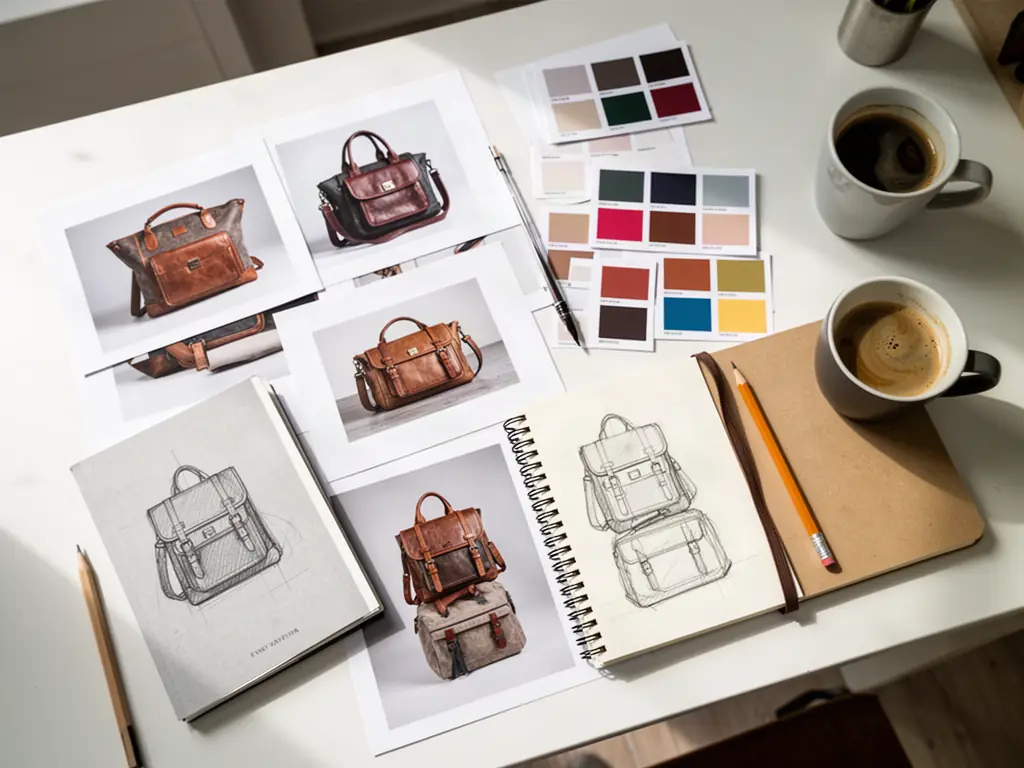
A designer desk with product prints and swatches, made on FunAI

More Variations, Same Brief

Turn one product and one brief into hooks, formats and placements, then let the numbers pick the winner.

Open AI Ad Maker

Video and static in one place

Product video ads, motion-graphics ads and static creatives come from the same product assets, so a campaign stays consistent.

Model choice per client

Pick from 900+ models, check each price per run on its page, and compare two engines side by side before committing a client budget.

Automate the repeatable

Use the OpenAI-compatible API for chat and image jobs in your own pipeline, or connect an AI assistant through the FunAI MCP server.

Tools for marketing agencies

Ad Tools for video and static creatives. The UGC video page covers AI-presenter ads in depth.

Browse all Tools
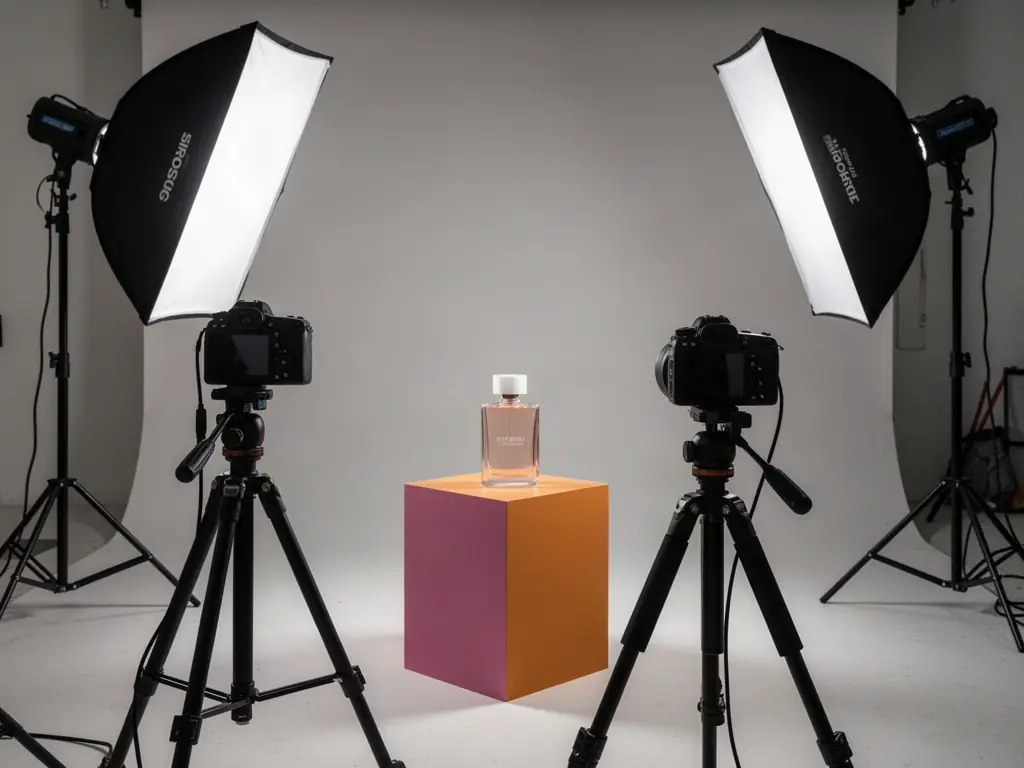
A product ad shoot with softbox lights, made on FunAI

AI for Marketing Agencies explained

Paid social rewards testing. A campaign that runs one creative learns little; one that runs ten hooks across three formats learns which message works. For an agency, the bottleneck is production: briefing shoots, waiting on creators and resizing every asset for every placement, across every client.

FunAI's ad Tools each take one shortcut. AI Ad Maker turns a product into a quick video ad. Ad Reference takes the structure of a winning ad and puts your client's product into it. AI Motion Design makes product ads with motion graphics, URL to Video Generator builds an ad from a product page link, and Ad Creative Generator, Image Ad Studio and AI UGC Ads produce static creatives from an asset and a prompt. For UGC-style video with an AI presenter, the AI UGC Video Generator page explains the workflow.

Underneath sit 900+ models from the leading makers, each with a page that shows inputs and price per run, and /compare to put two side by side when a client's budget or look calls for a different engine. For pipelines, the FunAI API serves OpenAI-compatible chat and image endpoints from a prepaid USD balance, and the MCP server connects Claude, Claude Code, Cursor and VS Code. Client uploads and outputs are not sold, and are not used to train models without consent.

Why agencies add AI to creative production

  • More hooks and formats per brief for real testing
  • Video, motion graphics and static ads from the same assets
  • Per-run prices on every model page for client budgeting
  • Side-by-side model comparison before committing spend
  • An OpenAI-compatible API and an MCP server for automation
  • Client uploads not sold or used for training without consent

A campaign sprint in FunAI

Feature visual preview 1
Feature visual preview 2
Feature visual preview 3
Feature visual preview 4
01

Gather the client assets

Collect clean product photos, the logo, the offer and two or three message angles. Cut products out with the background remover if needed.

02

Make the hero creatives

Generate a video ad in AI Ad Maker or Ad Reference and static versions in Ad Creative Generator or Image Ad Studio.

03

Multiply the variations

Change the hook, the scene or the presenter per angle, reframe for vertical and square placements, and add captions with Auto Subtitles.

04

Review and ship

Check claims, brand colours and product accuracy against the brief, get client sign-off, then launch and let the results guide the next round.

No public creations to show yet.

Everything you need to know