
Skip to content

Use case

AI for Education Lessons Into Videos

Turn a lesson plan into a short explainer video: a talking presenter, clear narration, captions for every learner and illustrations for the hard ideas. For teachers, course creators and training teams who have more to explain than time to film.

Start on the free Starter plan. Every model page lists its price per run.
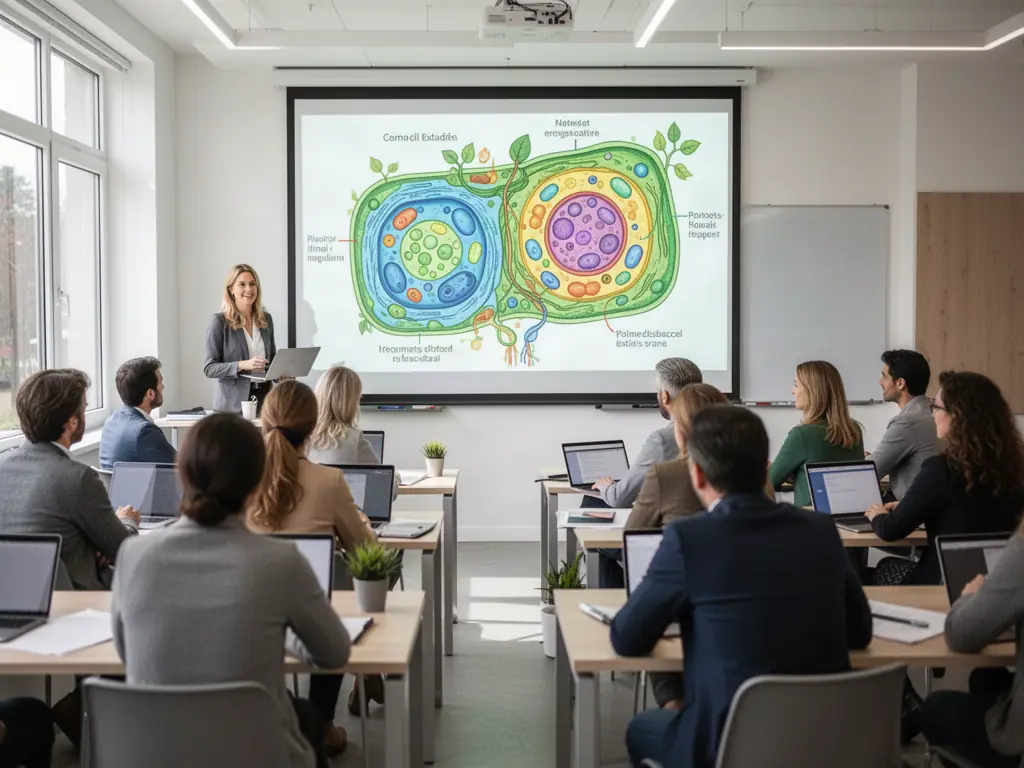
AI for Education - FunAI
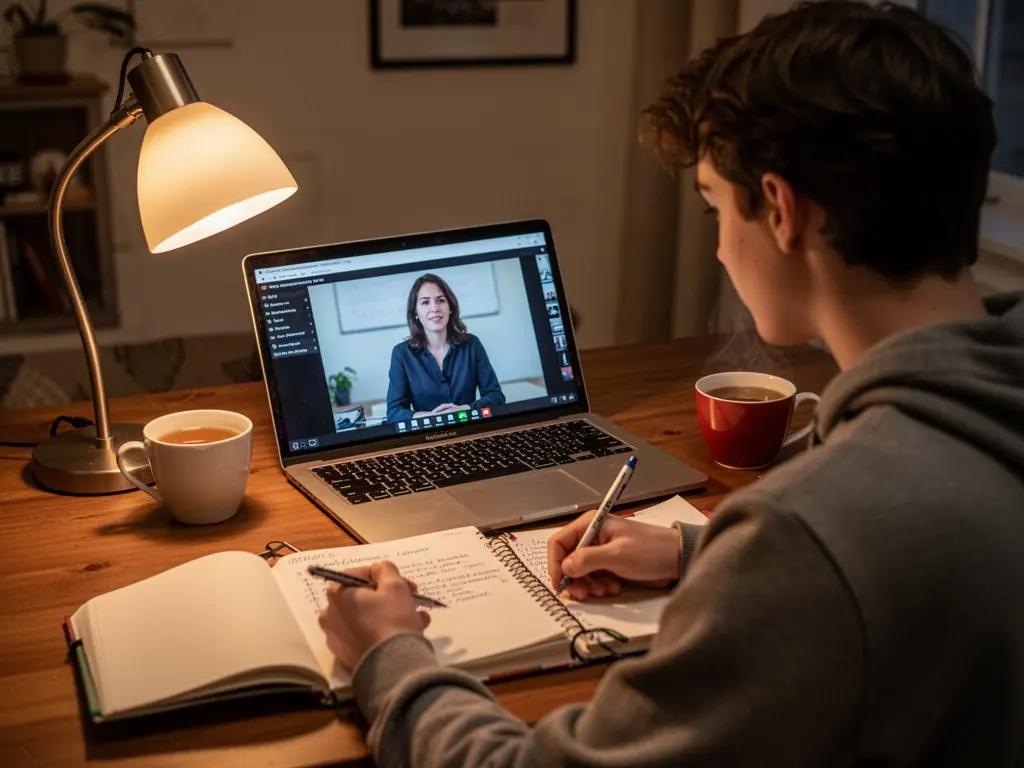
A student watching a video lesson on a laptop, made on FunAI

Lesson Plan In, Explainer Out

Write the script you would say in class, then let AI provide the presenter, the voice, the visuals and the captions.

Open the Avatar Studio

A presenter without a camera

Animate a presenter image with narration, so each topic gets a face on screen without filming.

Captions and other languages

Burn in subtitles for accessibility and noisy rooms, and dub a finished video for learners who need another language.

Visuals for the hard parts

Storyboard a sequence, illustrate a concept with an image model, or restore an archive photo for a history lesson.

Tools for education

A presenter model plus the Tools that turn a script into a captioned, narrated lesson video.

  • •
    Kling AI Avatar v2 Pro:Creates avatar videos of realistic humans, animals, cartoons or stylized characters from an image and audio.
  • •
    Text to Speech:Turns a lesson script into natural narration with a choice of AI voices.
  • •
    Auto Subtitles:Transcribes a video and burns in subtitles for accessibility.
  • •
    AI Dubbing:Dubs a video's speech into another language.
  • •
    AI Storyboard Generator:Turns a script and reference images into consistent 3x3 storyboard panels.
  • •
    AI Video Editor:Joins presenter clips, visuals, music and captions into one lesson video.
Browse all Tools
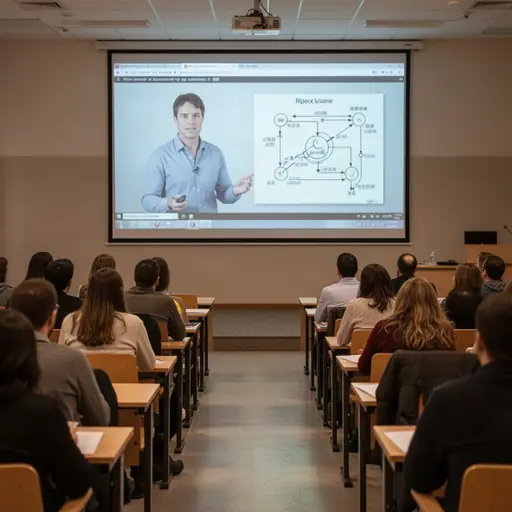
An instructor presenting to camera

AI for Education explained

Short video helps with flipped classrooms, revision, absent students and online courses, but filming yourself for every topic is slow, and editing is slower. Most of what an explainer needs is already in a lesson plan: a script, a few visuals and a voice. AI can assemble those into a video without a camera.

A talking-avatar model such as Kling AI Avatar v2 Pro or OmniHuman animates a presenter from one image and an audio track. Text to Speech produces that narration from your script, and AI Voice Cloning can keep your own voice across a series. Auto Subtitles burns captions into the finished video, Speech to Text turns a recorded lecture into a timestamped transcript, and AI Dubbing re-voices a video in another language for families and learners who need it.

Visuals come from the image studio and from AI Storyboard Generator, which turns a script into consistent storyboard panels. Photo Restoration brings old photos back for history lessons, and the browser video editor joins it all. Check every fact, date and diagram yourself, since generative models can be confidently wrong, and do not upload students' faces or voices without the right consent.

Why teachers and trainers use AI for video

  • Explainer videos without filming or a studio
  • Captions on every video for accessibility
  • Second-language versions for learners and families
  • Consistent narration across a whole course
  • Transcripts of recorded lectures with timestamps

A lesson video in four steps

Feature visual preview 1
Feature visual preview 2
Feature visual preview 3
Feature visual preview 4
01

Write a short script

Keep it to one idea and two to four minutes. Write it the way you would say it in class, with an example and a recap.

02

Voice it and add a presenter

Generate narration with Text to Speech, then animate a presenter image with an avatar model such as Kling AI Avatar v2 Pro.

03

Add the visuals

Storyboard the sequence with AI Storyboard Generator and make diagrams or illustrations in the image studio. Check every fact and label.

04

Assemble, caption and share

Join the clips in the video editor, burn in captions with Auto Subtitles, and dub a second-language version if your learners need one.

No public creations to show yet.

Everything you need to know